


 HubSpot webinars
Contrast
Branded webinars built for HubSpot: registration, live events, replays and AI clips, with every attendee signal synced to your CRM.
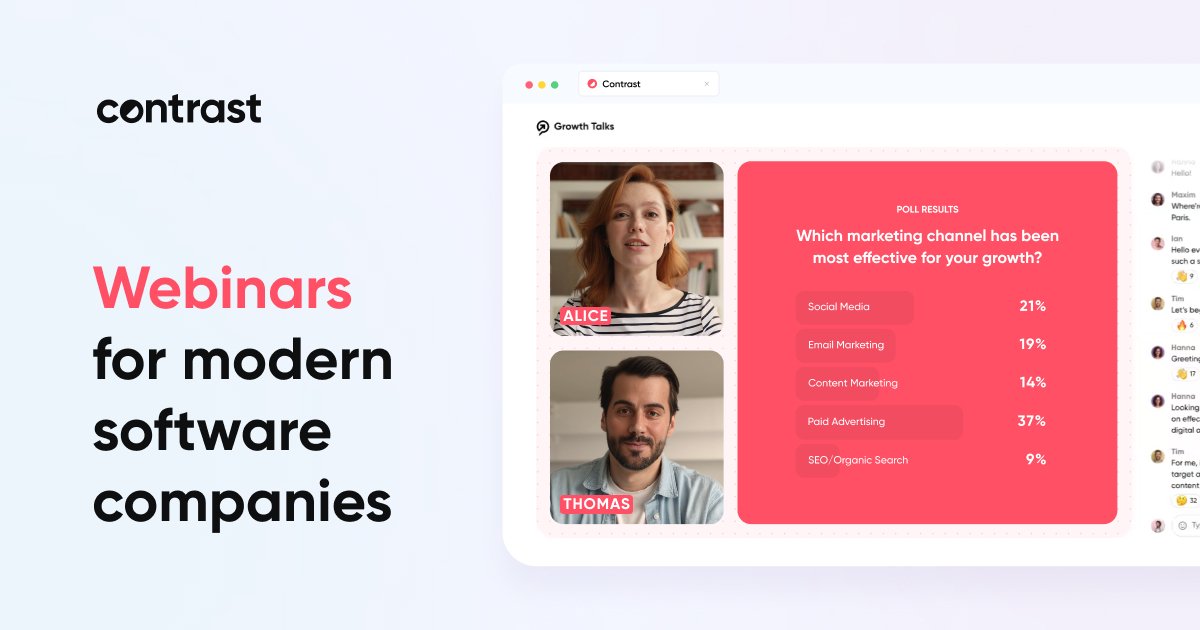
Webinars your audience enjoys
Live events, replays and pre-recorded sessions in a branded room with your logo, colours and fonts, plus polls, Q&A and calls to action.
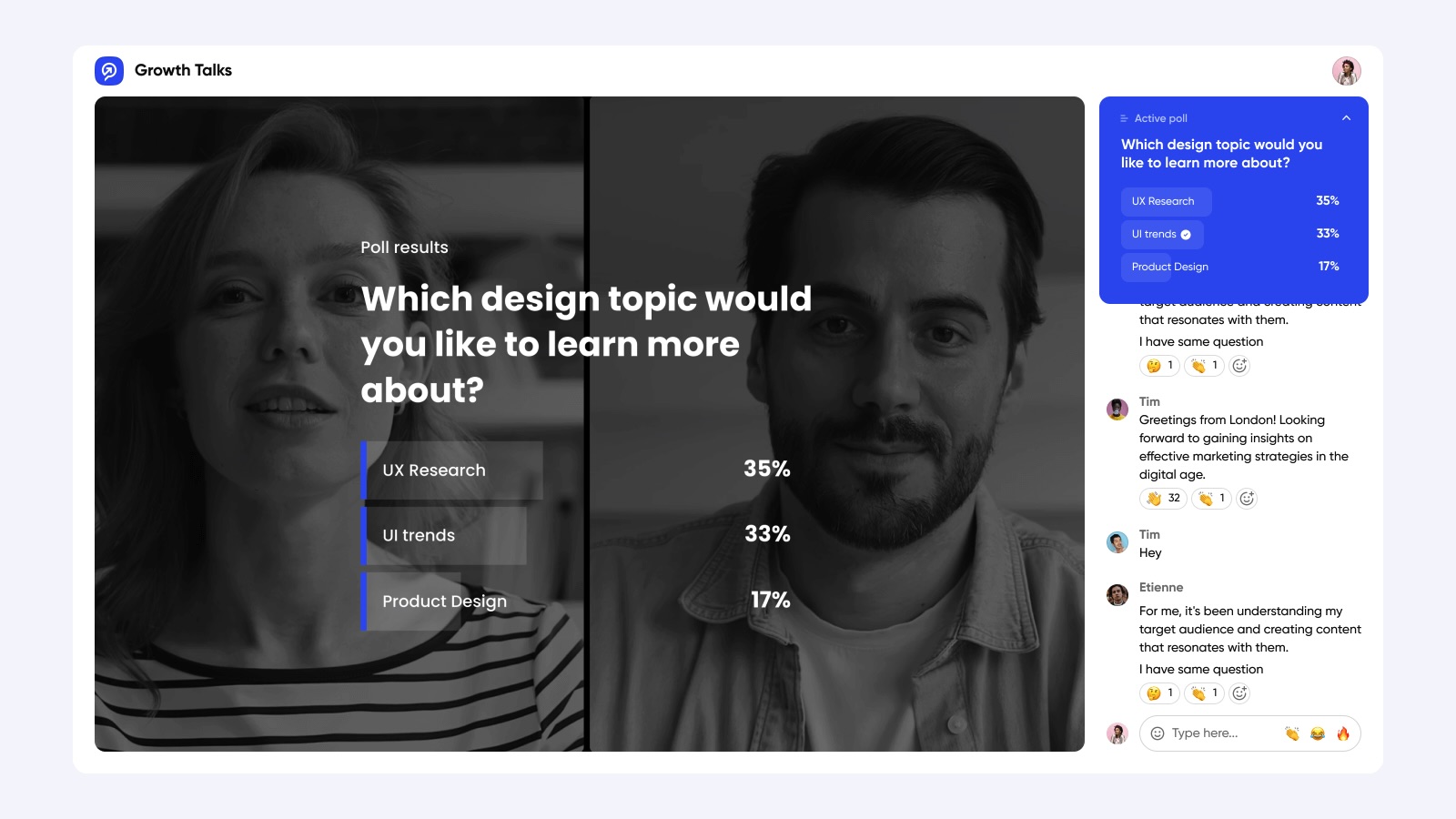
Engagement you can act on
Polls, chat and questions become HubSpot data, so sales sees who attended, what they asked and how engaged they were.
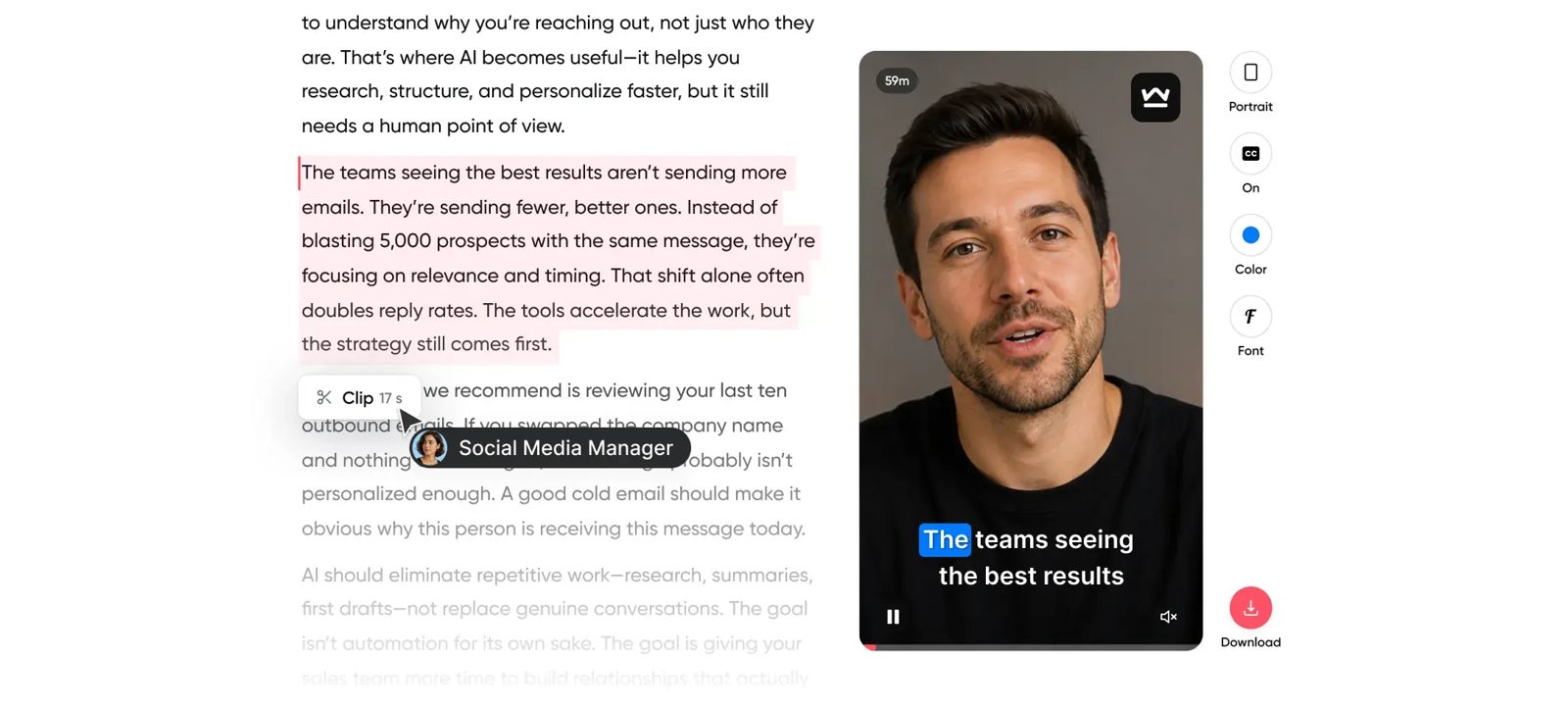
One webinar, many assets
AI clips the best moments with subtitles and drafts blog posts from the recording, so marketing gets weeks of follow-up content.
Webinars that feed your CRM.
Most webinar tools stop at the attendee list and leave you exporting CSVs. Contrast is built for HubSpot, with workflows, marketing events, segments, lead scoring and reports working from live webinar data.
We set it up so every event creates pipeline you can see, not another spreadsheet to upload.
Registrations, attendance and engagement sync to HubSpot automatically, with workflow actions and timeline activity on each contact.
Registration pages, email sequences, calendar invites and the webinar room all carry your brand.
Turn recordings into subtitled clips, blog posts and follow-up content without a production team.
Help international audiences follow along in real time and on demand.
Publish live, recorded and recurring events on your own webinar channel.
Invite speakers, marketers, social managers and sales with their own secure access.
HubSpot and Contrast, working together.
Contrast runs branded webinars and syncs every registration, attendance and engagement signal to HubSpot. We set up the connection, the workflows and the reporting, so each event turns into follow-up and pipeline you can measure.
Registrations, attendance, poll answers and questions mapped to HubSpot contacts and marketing events.
Workflows, lead scoring and segments that act on who attended, who missed it and how engaged they were.
Dashboards that show which events create meetings, deals and revenue.
Everything in the setup.
Contrast and HubSpot connection
Marketing event and property mapping
Registration forms and email sequences
Attendee and no-show follow-up workflows
Lead scoring from webinar engagement
Webinar influence reporting
Team training and handover
From first call to handover.
We agree your webinar programme, audiences and goals.
We link Contrast to HubSpot and map the data.
We build follow-up, scoring and sales alerts.
We show how webinars influence pipeline.
Where it helps.
Demand generation webinar series
Product launches and customer events
Clips and blog posts from every recording
Alerts when target accounts attend
Engagement context before the first call
Personalised follow-up from questions asked
Onboarding and training sessions
Product update webinars for customers
Replay libraries on your channel
Contrast plus HubSpot.
Connecting Contrast to HubSpot so registrations, attendance and engagement land on the right contacts
Building workflows, lead scoring and follow-up that act on webinar signals
Reporting on which webinars influence pipeline and revenue
Questions
about Contrast.
Most setups take between one and three weeks, depending on how much mapping, clean-up and training is needed. We agree the timeline before work starts.
Yes. We often start with an existing Contrast connection that was set up quickly and never reviewed. We audit what syncs, fix what is wrong and document it.
Either. A setup works well as a one-off project. If you want it monitored and improved as your team changes, it fits inside a Flex subscription.
Ready to try Contrast?
Start with our partner link, then talk to us about connecting it properly.
Get in touch Visit Contrast